
Effortlessly Resize Your JPG Images
PAGE
By PAGE Editor
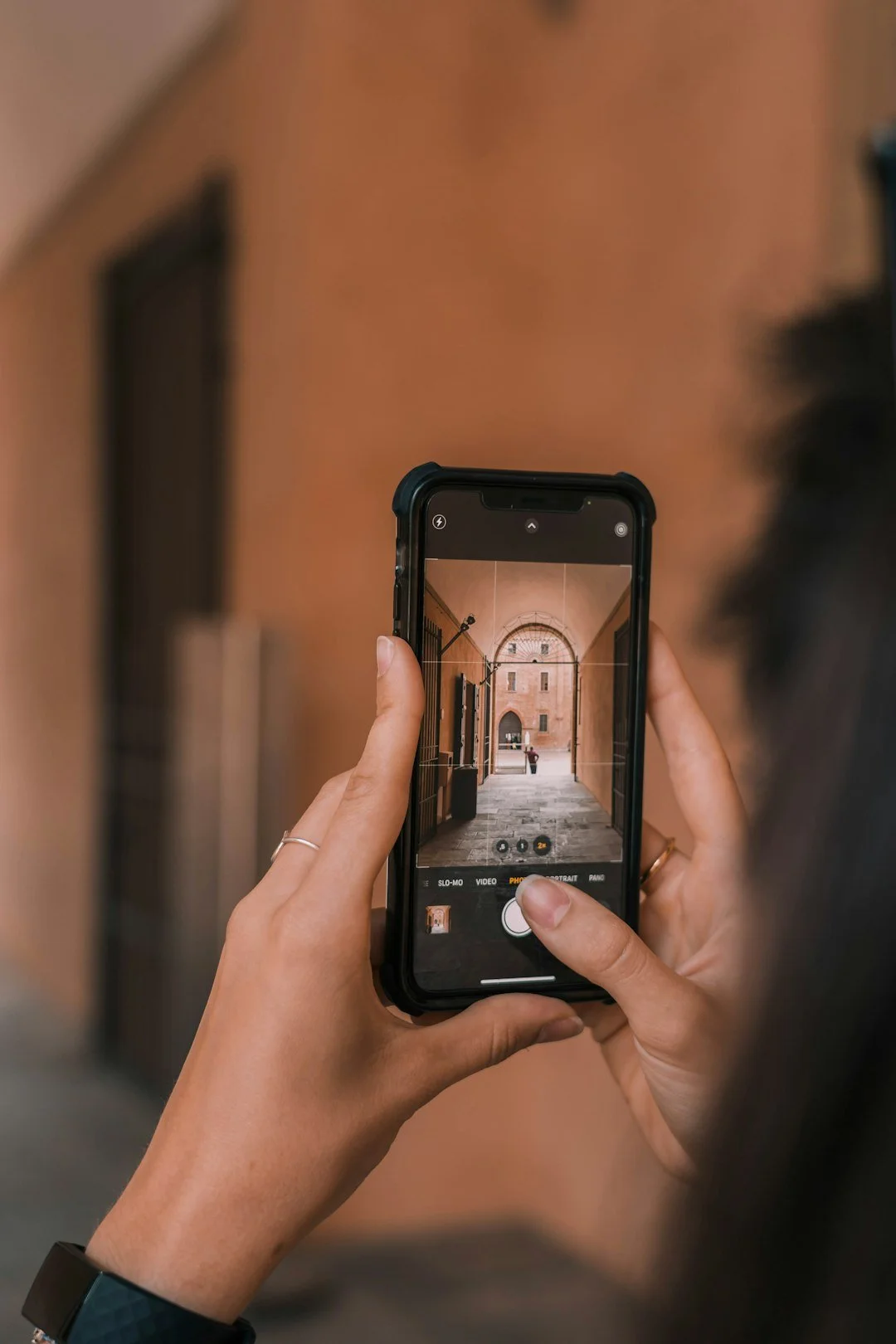
In today’s visually driven world, the size of your images matters more than ever. Whether you’re preparing a perfect Instagram post, uploading professional product photos to your website, or sending a high-quality picture through email, resizing your JPG files without sacrificing clarity is essential. The good news? It doesn’t have to be complicated or technical. With the right tools and approach, you can adjust your image sizes in seconds, keeping them sharp and ready for any purpose.
Why Resizing JPG Images Matters
Think of how often you share or upload images in a single week — social media, blogs, online stores, presentations, personal projects. Each platform has its own size requirements. A photo that looks stunning on your desktop may appear pixelated on mobile, or worse, load slowly and frustrate your viewers. Resizing isn’t just about fitting dimensions; it’s about optimizing quality, speed, and user experience.
Fortunately, you no longer need heavy software or endless trial-and-error. Modern tools allow you to resize JPG files online in just a few clicks, making the process accessible even for those with zero design experience. This convenience saves time while ensuring your images look their absolute best.
When Should You Resize Your JPG Images?
Resizing images isn’t only for professional photographers or designers. It’s a practical skill for almost everyone today. Here are some common situations where resizing comes in handy:
Social Media Posts: Every platform has different size guidelines. An oversized image might get cropped awkwardly or appear blurry after auto-compression.
Websites and Blogs: Large images can slow down page load times, hurting user experience and even SEO rankings.
Email Attachments: Sending smaller, properly sized images prevents delivery errors and makes sharing quick and seamless.
Printing: If you plan to print photos, resizing ensures they match the correct resolution and print dimensions.
Maintaining Quality While Resizing
One of the biggest fears when resizing a JPG image is losing clarity. JPG files are already compressed, which means stretching or shrinking them improperly can lead to pixelation or fuzziness. Here’s how to avoid that:
Use the right tool: Opt for software or online services that maintain resolution during resizing.
Maintain aspect ratio: Avoid distorted images by locking the ratio between width and height.
Start with high-quality originals: The higher the resolution of your original image, the better it will handle resizing.
How to Resize JPG Images in Minutes
Resizing doesn’t have to feel like a technical chore. Here’s a straightforward process you can follow:
Upload Your Image – Choose the JPG file you want to resize.
Set Your Dimensions – Specify the exact width and height or scale proportionally (e.g., 50% smaller).
Preview the Result – Ensure the image maintains clarity and framing.
Download the Resized Version – Save it in the proper format for your intended use (web, social media, print).
Tips for Choosing the Right Size
For Websites: Aim for around 1200px wide for full-width banners; smaller for thumbnails (200-400px).
For Social Media: Instagram stories work best at 1080x1920px; Facebook cover photos at 820x312px; Twitter headers at 1500x500px.
For Email or Messaging: Keep images below 1 MB for faster sending and loading.
These aren’t strict rules but helpful starting points — always check platform guidelines for the most up-to-date requirements.
The Benefits of Resizing Properly
Taking a few seconds to resize your JPG images can dramatically improve how they’re received:
Faster Loading Times: Essential for both web performance and keeping your audience engaged.
Better Visual Consistency: Ensures your brand or personal profile looks polished and professional.
Optimized for Sharing: Properly sized files are easier to send and display better across devices.
In short, resizing is a small effort that yields big results for appearance and usability.
Final Thoughts
Resizing JPG images doesn’t have to be daunting or time-consuming. With simple tools and a clear understanding of why dimensions matter, anyone — from casual social media users to professional marketers — can create perfectly sized visuals without stress. The next time you upload, print, or share an image, take a moment to resize it thoughtfully. Your audience (and your page speed) will thank you.
HOW DO YOU FEEL ABOUT FASHION?
COMMENT OR TAKE OUR PAGE READER SURVEY
Featured




When investing in quartz countertops, choosing the right warranty and care package is just as important as selecting the color and finish.